
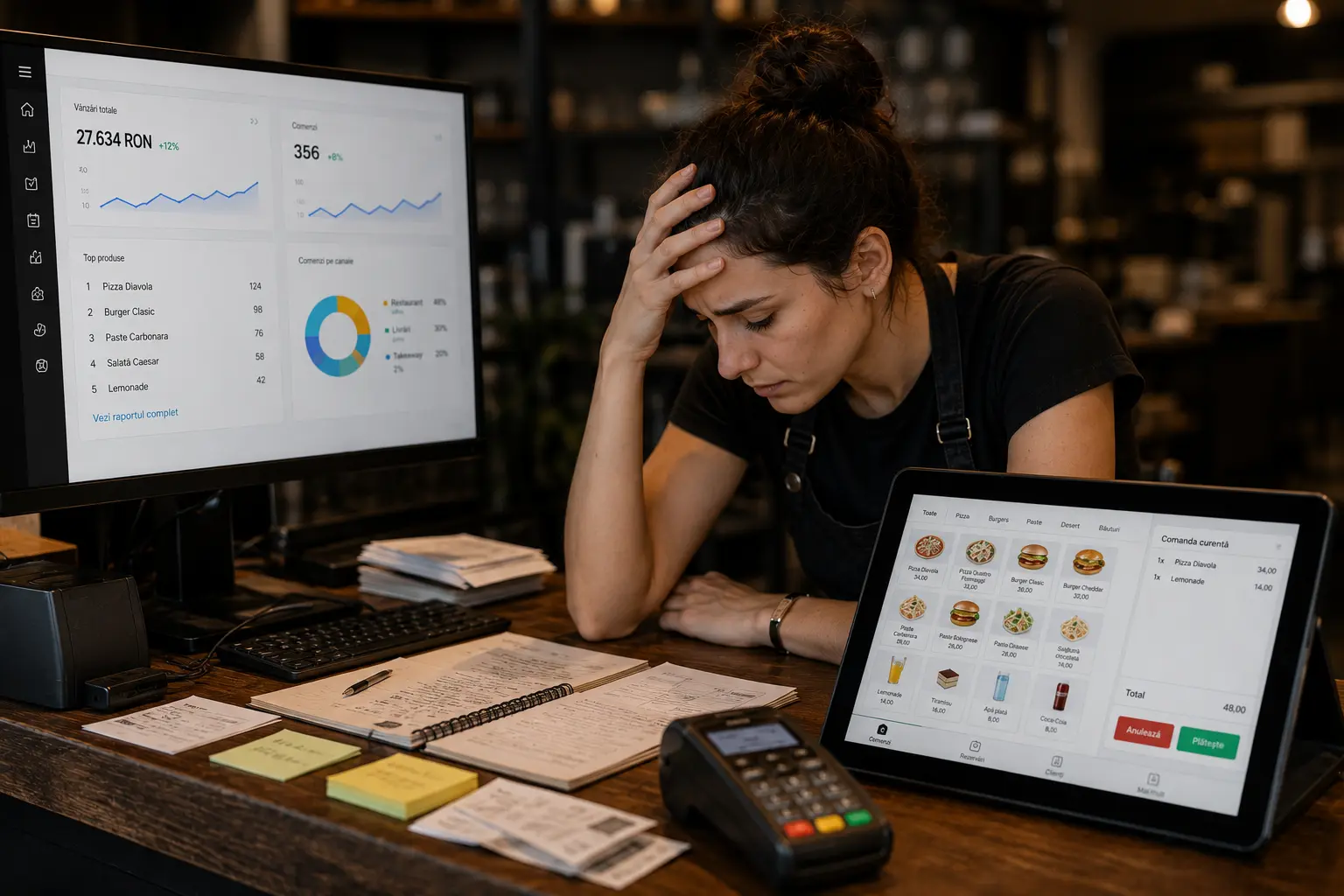
There is an important distinction between restaurants that have purchased software and restaurants that have truly digitalized. The former have, for the most part, more bills to pay. The latter have better processes, customer data, and measurable results. The distance between the two is not determined by budget or by how sophisticated the chosen tools are, but by the way digitalization was approached from the very beginning.
Mistakes in restaurant digitalization are not spectacular. They are systematic. And that is precisely why they repeat: each mistake, in isolation, seems acceptable, and the cumulative effect only becomes visible after a few months, when the investment fails to deliver the expected results and nobody knows exactly why. While the Complete Guide to Restaurant Digitalization in 2026 aims to guide you through the digitalization process, this article is built from the opposite perspective: to help you recognise the most common mistakes in restaurant digitalization before they become costly.
1. You Buy Based on the Demo, Not on How Well It Fits Your Processes
Product demonstrations are designed to impress, not to be stress-tested. Any software looks good under the controlled conditions of a carefully prepared demo. The problem appears on the day when your team, with its specific workflow, tries to use it in the middle of a busy shift.
Before evaluating any system, answer a few questions about your own restaurant first: How does an order travel from the customer to the kitchen until it is ready? Do you handle delivery with your own fleet, through aggregators, or both? How many people take orders simultaneously? Is your menu stable or does it change frequently? Do you take table reservations? Do you have one location or several? The answers to these questions define what you actually need, and a good demo should respond to exactly these scenarios, not to the ones prepared by the vendor.
A system chosen on the basis of a generic demo, without the salesperson having first understood how your restaurant works, will almost inevitably produce a mismatch. Ask the vendor to show you how the system handles situations specific to you: an order modified after it has already been sent to the kitchen, a grouped delivery across zones, a product that runs out mid-shift. If they cannot demonstrate this live, you have an important answer about what you will experience after signing the contract.
2. You Underestimate the Total Cost of Implementation
The price of the licence or subscription is what appears in the proposal. The real cost of implementation is usually something else entirely. It includes the time your team spends on the transition and system configuration, the cost of integrations with existing systems if they are not native, any customisations required for your specific workflow, and staff training at launch.
None of these costs appear in the demo. And none of them are negligible. A restaurant that implements a new POS without allocating enough time for the transition will go through a few difficult weeks in which service is slower and errors are more frequent, precisely during the period when everyone is evaluating whether it was a good decision.
The best way to avoid this mistake is to ask the vendor for a detailed implementation plan before signing the contract: how many days the installation takes, how many training sessions are included, what support is available in the first 30 days, and what the costs are for features beyond the base package.
3. You Copy the Solution of a Restaurant with a Different Profile
“Restaurant X uses system Y and it works well” is one of the most common justifications for a purchasing decision in the restaurant industry. And one of the riskiest, because it overlooks a key detail: restaurants with different profiles have completely different needs.
A fast food chain processing 300 orders a day has operationally inverted priorities compared to a fine dining restaurant with 40 covers an evening. A restaurant with its own delivery fleet needs features that a table-service-only restaurant will never use. A café with 20 standardised products has a completely different relationship with inventory management than a restaurant with a seasonal menu and fresh daily ingredients.
Recommendations from other owners are valuable as a starting point, but should not be the basis of a final decision.
4. You Digitalize Processes That Are Already Broken
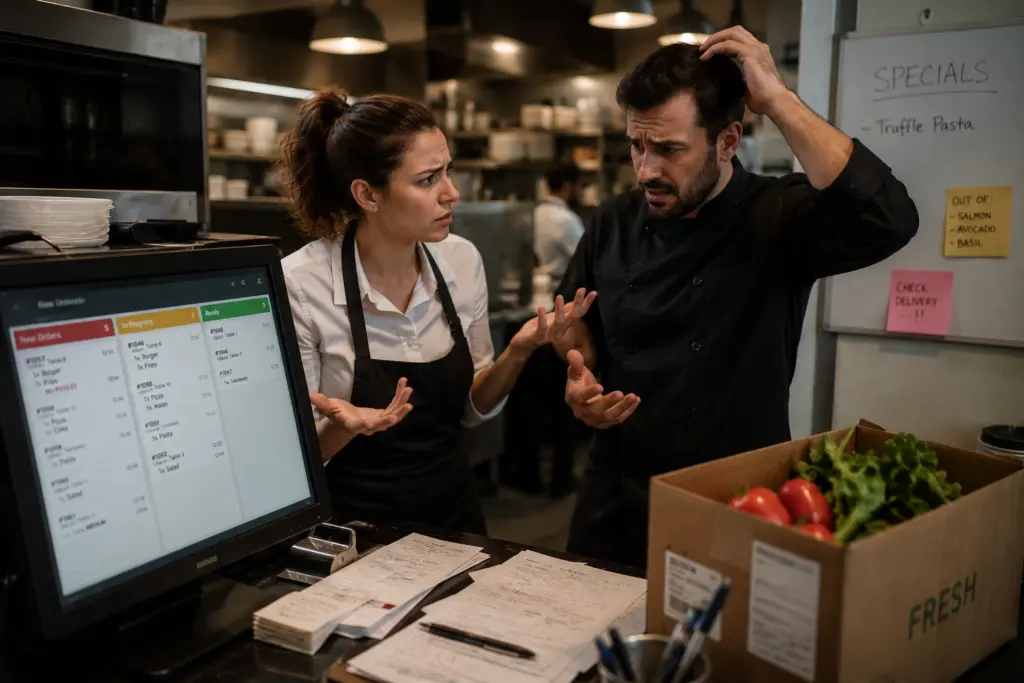
Another frequent mistake in restaurant digitalization is the rush to implement restaurant technologies on top of processes that do not work well even in their manual form. The result is inevitable: the digital system does the same wrong thing, but more visibly and more quickly.
If the server and the cook do not clearly understand who is responsible when an order needs to be modified after it has been sent, a KDS connected to the POS will not clarify that responsibility. If incoming stock is not systematically checked against the purchase order, connecting inventory software to suppliers will produce a digital inventory that is just as inaccurate as the one on paper. Technology amplifies existing processes; it does not replace them.
Before any digital implementation, one hour spent with your team clarifying who does what in edge-case situations is worth more than any product demo. Clear processes come before digital tools, not after them.
5. You Neglect Staff Training
Restaurants have one of the highest staff turnover rates of any industry. That means training for a digital system is not a one-time event at launch, but an ongoing activity throughout the life of the restaurant. Every new employee who does not know how to use the system correctly is a hidden cost and a source of errors.
The typical mistake: the vendor does a two-hour demonstration at launch, and the team is expected to manage on its own from the next day. The server who does not know how to remove a product from an order already sent to the kitchen will find a manual workaround that bypasses the system. The cook who does not know how to mark a product as out of stock will announce it verbally, just as before. 31% of customers identify confusing interfaces as the main reason self-ordering kiosks fail. In many cases, the problem is not the interface, but the absence of training for staff who should be guiding customers.
Investment in training cannot be separated from investment in the system. When negotiating with a vendor, ask explicitly: how many hours of training are included, whether there are video materials or guides employees can access independently, and what the relationship with the support team will look like after the first few months of use.
6. You Ignore Customer Data Protection
Digitalizing a restaurant almost inevitably means collecting and storing customers’ personal data: names, phone numbers, email addresses, order history, preferences, dates of birth. This data is valuable for marketing and loyalty purposes, but it comes with clear legal responsibilities.
GDPR (the General Data Protection Regulation) applies to any restaurant in the European Union that collects customers’ personal data. Similar frameworks exist in other regions, such as the CCPA in the United States. The obligations are concrete: you need a legal basis for each type of data processing, you must obtain explicit customer consent before sending push notifications or marketing emails, your privacy policy must be accessible on your website and in your app, and you must be able to delete a customer’s data upon request. Non-compliance can result in substantial fines.
The most common mistake in this area is launching a mobile app or a loyalty programme without verifying that the software vendor has a signed Data Processing Agreement (DPA) and that the system allows consent management and data deletion on request. These checks need to happen before launch, not after problems arise.
7. You Give Up on a Tool Too Quickly and for the Wrong Reasons
Adopting a new digital system always involves an adjustment period. The first two to four weeks are almost always harder than what came before. The team is slower, confusion arises, and some workflows are not yet optimised. This is a normal stage in any change, not a signal that the system is wrong.
The mistake is that many owners give up during this period and revert to manual processes, concluding that “the system doesn’t work for us.” In reality, they have not given the system enough time to be configured correctly or the team enough time to adopt it. A marketing module that produces no results after three weeks can look completely different once customer segmentation is set up properly. A KDS that creates confusion in the first few days becomes smooth once the team understands the workflow.
Before abandoning a tool, diagnose the problem correctly. A few relevant questions: Has the team received enough training? Was the initial configuration done thoroughly or in a rush? Is there a specific missing feature, or is this an adoption problem? Usually, the answer lies in the implementation process, not in the tool itself.
8. You Don’t Measure Anything

If you do not know what you want to improve concretely, you will not be able to evaluate whether digitalization has worked. And without that evaluation, you cannot make informed decisions about what to optimise or what to add next.
What are the most common digitalization mistakes in this regard? The restaurant implements a KDS without previously measuring average order preparation time. It launches a loyalty module without knowing order frequency per customer before the programme. It moves to digital inventory management without knowing the current variance between theoretical and actual stock. Without these reference points, any improvement remains subjective.
Defining measurements does not require sophisticated systems. It requires discipline. Measure a few key figures in the week before any implementation and compare them with the same figures at 30, 60, and 90 days after. That comparison transforms digitalization from a perceived expense into a demonstrable investment.
9. You Treat Digitalization as a Project with a Finish Line
“We’ve implemented the software” is a statement, not an achievement. Many restaurant owners treat digitalization like a project: there is a to-do list, you tick things off one by one, and at some point you are “done.” The problem is that there is no point at which you are done.
Technology evolves, customer behaviour changes, new features emerge, and the team changes, bringing new training needs. A system configured optimally at launch may need adjustments six months later. Digital menus need updating every time the offering changes. Marketing campaigns that worked a year ago may be less effective today.
The restaurants that achieve the best long-term results from digitalization are those that designate an internal person responsible for the digital tools, budget ongoing training for new employees, and carry out a quarterly review of configurations and performance. It is not an enormous task, but it requires someone who thinks about it systematically, not only when a problem appears.
Conclusion
The most common mistakes in restaurant digitalization share one trait: they all happen before a single customer places their first order through the new system. They are mistakes of decision-making, planning, and configuration, not of day-to-day use.
The good news is that most mistakes in restaurant digitalization are avoidable, if you know how to recognise them before they cost you. And if you want to build your digitalization on the right foundation, TapTasty gives you a complete ecosystem from which you choose exactly the modules you need now and add others whenever you are ready. No tools that fail to communicate with each other, no hidden integration costs, and no solutions copied from a different restaurant profile. Explore TapTasty’s modules and request a quote tailored to your restaurant.