
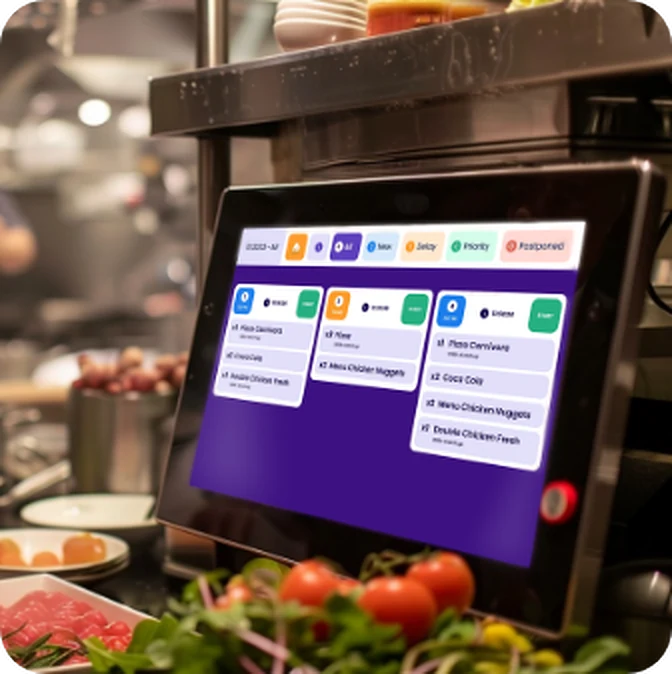
Each chef has their own access code in the KDS, and individual activity is tracked separately.
A KDS that simplifies order management across TapTasty's sales channels and third-party platforms, organizes them into separate columns, communicates with servers and delivery software, and distributes workload across departments for a well-run kitchen.













The TapTasty KDS features a clean, straightforward interface designed for quick adoption and efficient order management in the kitchen.

Each chef has their own access code in the KDS, and individual activity is tracked separately.
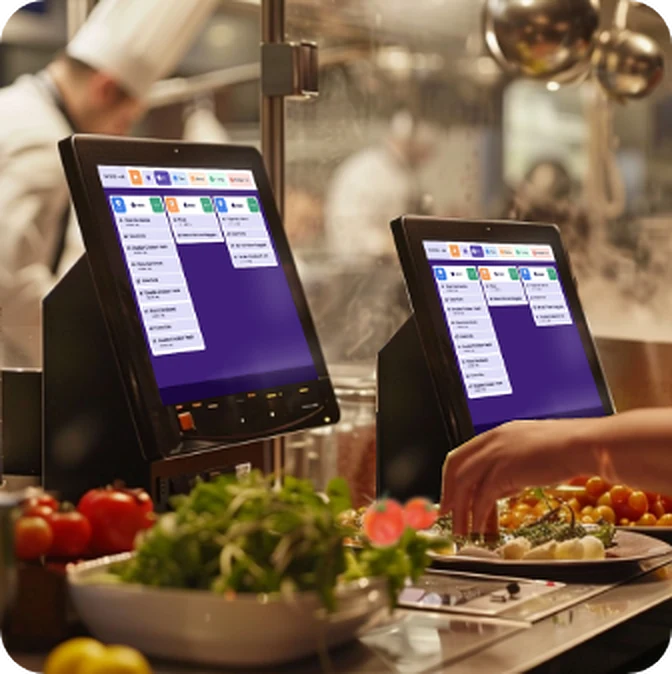
Every department can have its own KDS, with orders routed to the right team automatically.
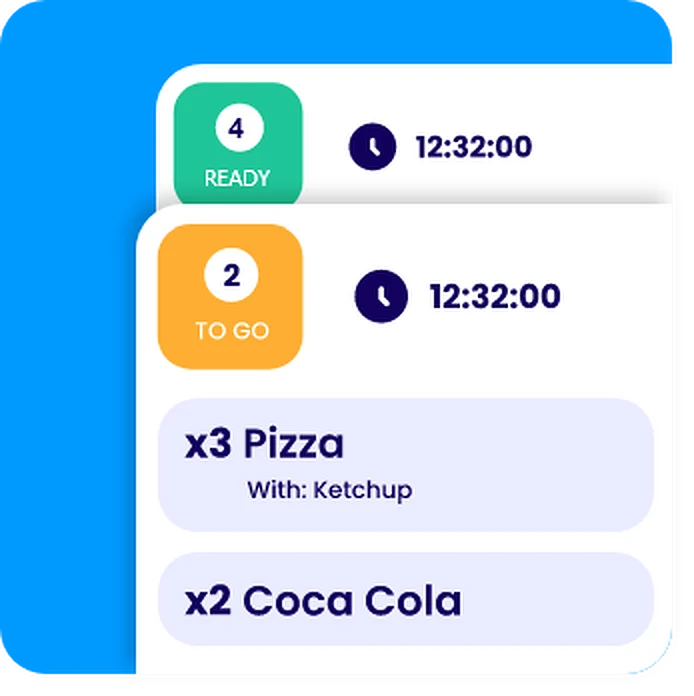
You can connect multiple KDS for orders that go through several preparation stages.
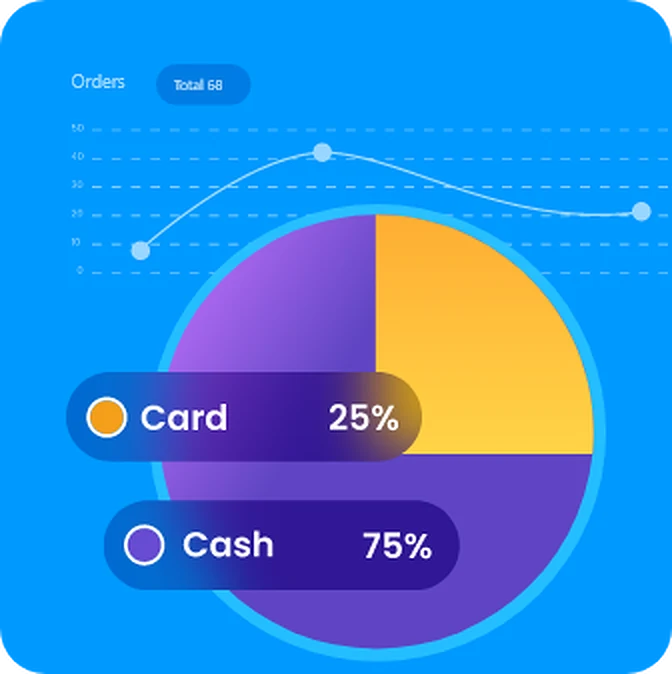
Access detailed reports on chef activity, preparation times, and more.
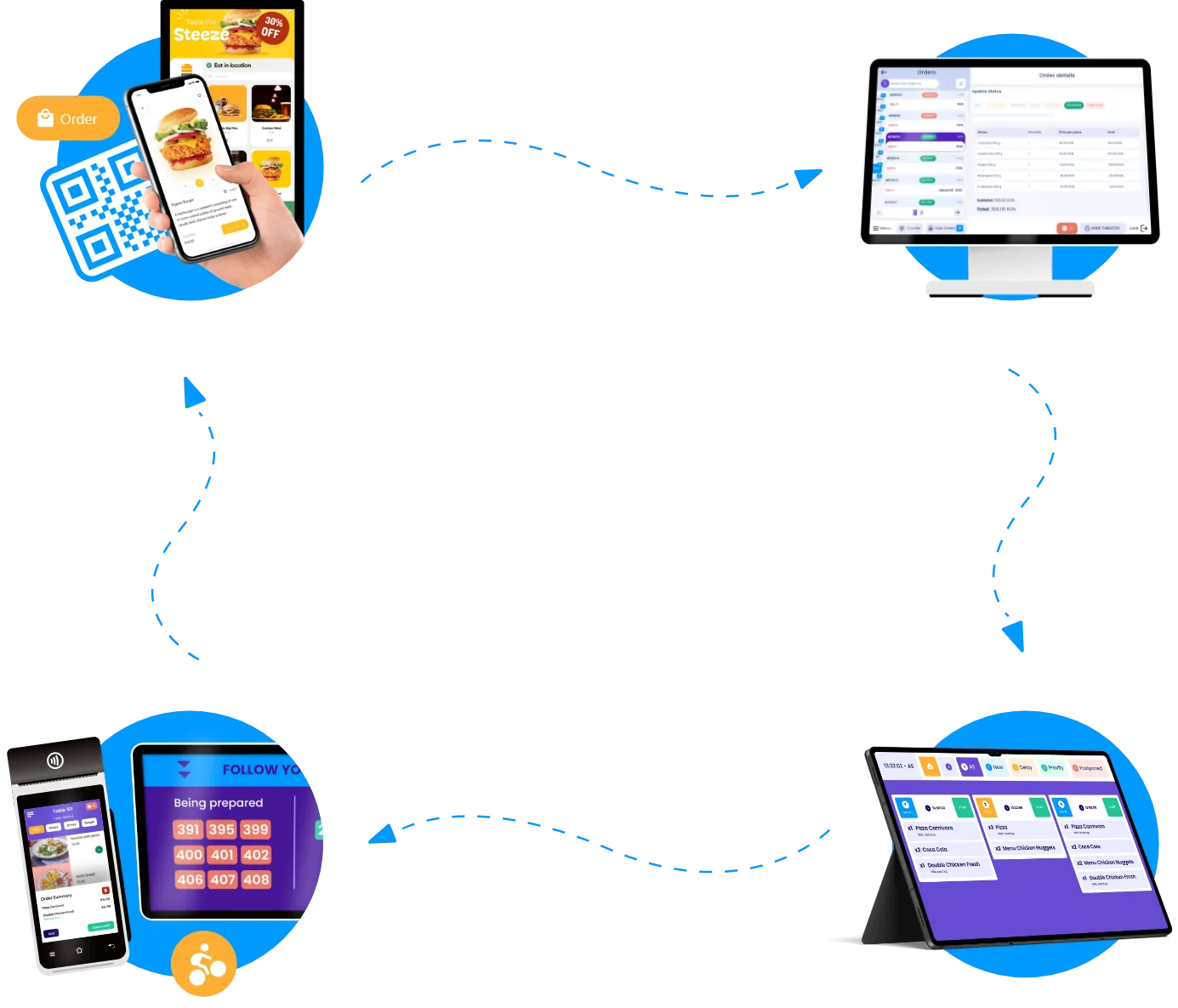
Internal and external orders are automatically picked up by the POS and sent to the KDS for preparation. Depending on the order type, the KDS then routes it to the delivery software, the customer-facing order status display, or notifies servers that the dishes are ready to be served. The KDS communicates with the entire TapTasty ecosystem for a seamless, easy-to-manage workflow.
See the products that connect with this one, browse customer apps, or read practical guides.
Looking for a kitchen display system (KDS)?
Send the form. The TapTasty team will contact you to discuss your restaurant’s setup.
We’ll contact you within 24 working hours to show you TapTasty.